Read the Date and Time Together Across Regions
Avoid previous-day and next-day mistakes by checking the calendar date alongside every converted clock time.
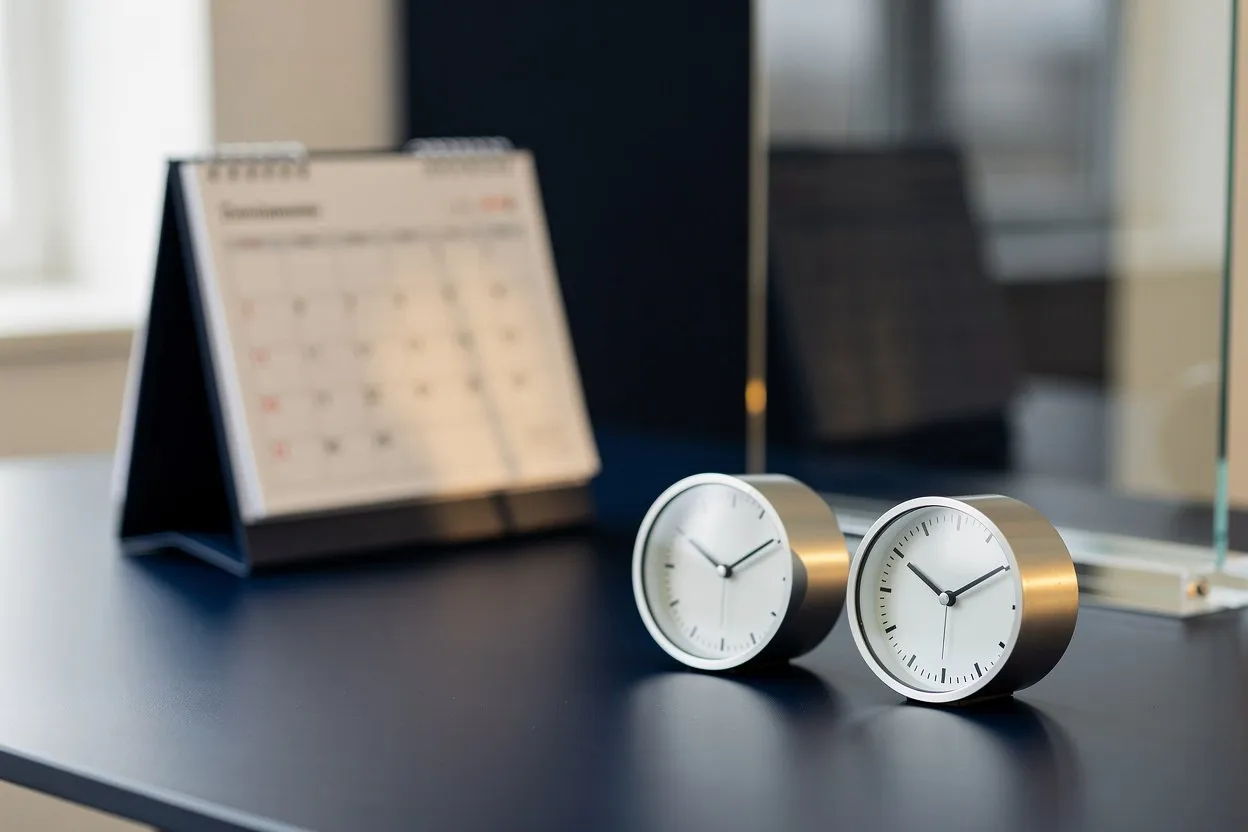
A clock time without a date is an incomplete meeting instruction. A converted time can fall on the previous or following calendar day, especially when participants are far apart. The safest reading habit is to treat the date, time and zone as one unit. Use the time converter to inspect that whole unit for each participant rather than copying only the largest number on the screen.
Start from one clearly identified moment
Choose the event date before experimenting with possible hours. If you are arranging a future call, using today’s date may produce a comparison that does not belong to the event. Enter the intended date and a time in the reference zone specified by the tool, then add the locations you need to compare.
Write the event’s purpose beside the reference moment. A note such as “design review, 30 minutes” helps distinguish the proposed call from a delivery deadline or a time when someone merely becomes available. Several similar-looking conversions can otherwise become difficult to identify later.
Look for a changed calendar day
Scan each location’s date before deciding whether its time is suitable. If one result shows the next day, that person needs to reserve the next day locally. It does not help to tell everyone that the meeting is on “Tuesday” when Tuesday is only true in the organizer’s zone.
For example, imagine a late-evening reference time that appears as the following morning elsewhere. The two displays refer to the same moment, but the participants may see different dates in their calendars. Copy both local date labels into your planning note so the difference remains visible after you close the comparison.
Use unambiguous date wording
Numeric dates such as 03/04 are easy to misread across conventions. In a human message, spelling out the month removes that particular ambiguity. Include the year when discussing a distant event or comparing notes that may be kept for a long time. A weekday can provide a useful cross-check, but it should accompany rather than replace the date.
Be equally clear about morning and evening. If you use a twelve-hour clock, retain AM or PM. If you use a twenty-four-hour clock, keep that convention throughout the message. Do not switch formats halfway through a list of participant times without a reason.
Check duration across the boundary
The end of a meeting deserves the same attention as its beginning. A slot beginning before midnight may end on the next date for one participant. Check the full interval against their availability, not just whether the start time looks acceptable.
If the tool shows a working-hours overlap, confirm that your whole intended duration fits inside it. A ten-minute overlap cannot accommodate a thirty-minute call. Where no suitable interval exists, shorten the live discussion or use an asynchronous handoff rather than concealing the mismatch.
Send a complete confirmation
Before sending an invitation, compare its displayed time with your planning note. Include the event date, named reference zone and duration in any accompanying message. Ask participants to check their own calendar display, particularly if they are traveling.
A saved local comparison is a planning aid, not a delivered invitation. Finish the process in your group’s calendar system and keep the confirmed details there.